Installation
edc-core ships as a small set of containers: a PostgreSQL system of record, a Node/TypeScript API, a browser SPA, and sandboxed R and Python engines. One compose file brings up the whole stack; rootless Podman is the recommended path, and Docker works identically.
Requirements
- Podman (or Docker) with the compose plugin
- Node ≥ 22 and pnpm ≥ 9 for the one-time setup scripts and local development
- ~2 GB free disk for images and volumes
Try it with zero install

The badge boots the full dev stack in a free GitHub Codespace; no local tools needed, just a GitHub account. After ~3 minutes the web UI opens on the forwarded port; sign in as admin / edc-demo-admin, or as any seeded clinical-role user with the password edc-demo-users and take the five-minute tour. The codespace is yours alone and the study is fictional; delete it when you’re done.
Quick start
git clone https://github.com/tgerke/edc-core
cd edc-core
pnpm install

# Postgres + API + web + R and Python engines
podman compose -f infra/compose.yaml up --build
The API applies database migrations automatically on startup. When the stack is up:
- Web UI: http://localhost:5173
- API: http://localhost:3000/health
Create the first admin
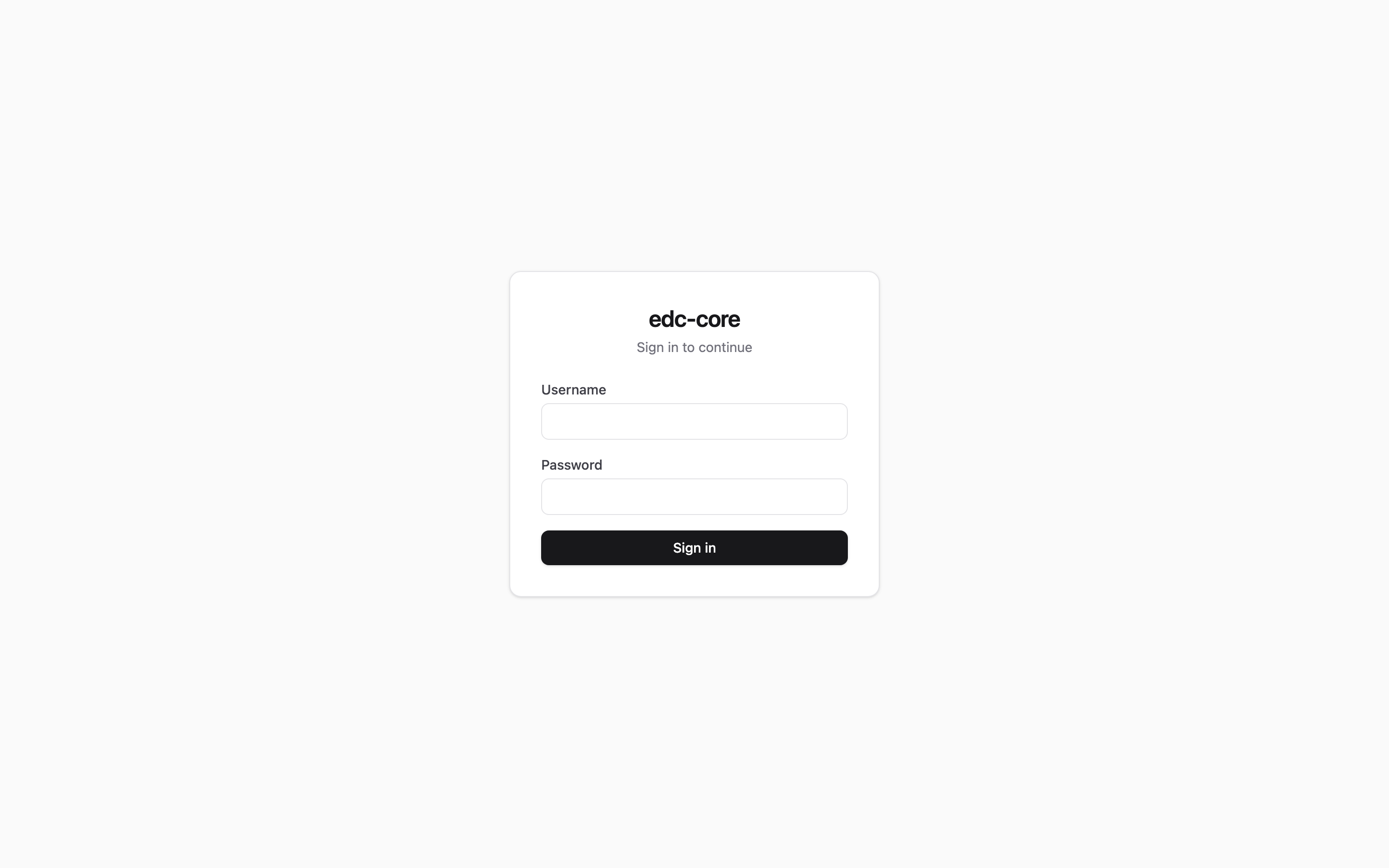
pnpm --filter @edc-core/api db:bootstrap-adminThis creates a root administrator account and prints its generated credentials. Sign in with them at http://localhost:5173.
Seed the demo study (optional, recommended)
pnpm --filter @edc-core/api db:seed-demoThis creates a complete, CDASH-aligned demo study (ST.CDASH.DEMO) with two sites, one user per clinical role, enrolled subjects, and an open data query: everything the five-minute tour uses. The script prints the shared demo password (override it with the EDC_DEMO_PASSWORD environment variable) and is idempotent: it exits without changes if the demo study already exists.
Single sign-on (OIDC)
edc-core signs users in with a local username and password by default, and can additionally (or exclusively) use your organization’s identity provider via OpenID Connect; Microsoft Entra ID, Okta, and Keycloak all work with the standard authorization-code flow. Configure it with environment variables on the API container:
| Variable | Meaning |
|---|---|
EDC_OIDC_ISSUER_URL |
The provider’s issuer URL. Setting this enables SSO. |
EDC_OIDC_CLIENT_ID / EDC_OIDC_CLIENT_SECRET |
The registered client. |
EDC_OIDC_REDIRECT_URI |
Must match the registration, e.g. https://edc.example.org/api/auth/oidc/callback. |
EDC_OIDC_SCOPES |
Default openid profile email. |
EDC_OIDC_PROVIDER_LABEL |
Button label on the sign-in page, e.g. MSK SSO. |
EDC_OIDC_ONLY |
Set to 1 to disable password login entirely. |
EDC_OIDC_REAUTH_MAX_AGE_SECONDS |
Freshness window for signature re-authentication (default 120). |
First-time SSO users are provisioned automatically (matched to an existing account by verified email when one exists, created otherwise) but arrive with no study roles: an administrator grants those in the app, exactly as for local accounts. SSO accounts never receive system administration from the identity provider.
Part 11 e-signatures re-execute authentication at signing. Password users re-enter their credentials; SSO users complete a fresh interactive login with the identity provider (prompt=login), verified against the token’s auth_time.
If EDC_OIDC_ONLY is set and the identity provider is misconfigured, recovery is to unset the variable and restart the API; password login resumes.
Notifications and email
Query activity and forms awaiting signature raise in-app notifications (the bell in the header) out of the box. Two optional extras are env-driven on the API container:
| Variable | Meaning |
|---|---|
EDC_NOTIFY_SCAN_MINUTES |
Minutes between background scans (default 15; 0 disables the scheduler). |
EDC_FORM_OVERDUE_DAYS |
Days after a visit is created before an unfinished form counts as overdue (default 0 = off). A deliberately crude signal; enable it once the cadence suits your protocol. |
EDC_SMTP_HOST / EDC_SMTP_PORT / EDC_SMTP_SECURE |
SMTP relay; setting the host enables email delivery of notifications. |
EDC_SMTP_USER / EDC_SMTP_PASS |
SMTP credentials, if the relay needs them. |
EDC_SMTP_FROM |
From address, e.g. edc-core <no-reply@example.org>. |
EDC_BASE_URL |
Web origin used in email deep links. |
The scheduler runs inside the API process and assumes the single-instance deployment the compose file provides; email failures are retried a few times and never block the in-app notification.
Published images
Tagged releases publish versioned images to GitHub Container Registry:
ghcr.io/tgerke/edc-core-api
ghcr.io/tgerke/edc-core-web
ghcr.io/tgerke/edc-core-r-engine
ghcr.io/tgerke/edc-core-py-engine
Each release also attaches a validation pack: the regulatory traceability matrix joined to that exact release’s automated test results. See Compliance.
Production install
For a networked deployment, don’t harden the dev stack; use the production one. On any host with Docker (or Podman) and a DNS name pointed at it:
git clone --depth 1 --branch v0.4.0 https://github.com/tgerke/edc-core
cd edc-core/infra
cp .env.example .env    # set EDC_DOMAIN, EDC_VERSION, POSTGRES_PASSWORD
docker compose -f compose.prod.yaml up -d
docker compose -f compose.prod.yaml exec api pnpm --filter @edc-core/api db:bootstrap-admin
compose.prod.yaml runs the pinned release images from GHCR, terminates TLS at Caddy (certificates are provisioned and renewed automatically), publishes nothing else, and sets the production hardening variables for you. The remaining operational work (encrypted volumes, paired backups, retention policy) is the deployment guide.
Provisioning the VM
If the host doesn’t exist yet, infra/cloud-init.yaml builds it on any provider that accepts cloud-init user data (AWS, Azure, DigitalOcean, Hetzner, Proxmox, …): Docker, the release-pinned stack above, SSH hardening, and a firewall, unattended. Render the placeholders and paste the result into the provider’s user data field:
sed -e 's/${domain}/edc.example.org/' \
    -e 's/${app_version}/0.4.0/' \
    -e "s/\${postgres_password}/$(openssl rand -hex 24)/" \
    -e 's/${compose_profiles}/local-db,engines/' \
    -e 's/${extra_env}//' \
    infra/cloud-init.yaml > user-data.yaml
A VM with 2 vCPUs and 4 GB RAM is comfortable for the full stack including the analytics engines. First boot takes a few minutes (cloud-init status --wait on the host); once DNS points at it, Caddy obtains the certificate on its own, and the first admin is created with the db:bootstrap-admin command above.
Prefer infrastructure-as-code? infra/terraform/{aws,azure,digitalocean} are three self-contained Terraform roots with an identical variable contract. Each provisions the VM, firewall (SSH restricted to your admin CIDR), static IP, and encrypted disk, and delegates the install to the same cloud-init file. Each directory’s README is a complete walkthrough.
Everything on this page installs edc-core on its own. To co-deploy it with ctms-core (the eTMF/regulatory-document sibling) on one host, with shared Keycloak single sign-on, one Postgres, and one Caddy for all hostnames, use the clinical-stack repo instead. Its install walkthrough covers the combined topology and the pre-wired EDC-to-eTMF filing credential.
infra/compose.yaml (the quick start above) uses a hard-coded database password and no TLS. It is for local development only; anywhere networked, use infra/compose.prod.yaml and work through the deployment guide.
Local development
The repo is a pnpm monorepo. Useful commands from the repository root:
pnpm check              # biome lint + typecheck + all tests
pnpm --filter @edc-core/api dev    # API with hot reload on :3000
pnpm --filter @edc-core/web dev    # Vite dev server on :5173
pnpm validation-pack    # regenerate the validation pack locally
See CONTRIBUTING.md for ground rules, most importantly that every clinical-data write path goes through the audit layer.